
PJ Labs · Genome · Download
Version 1.4.1
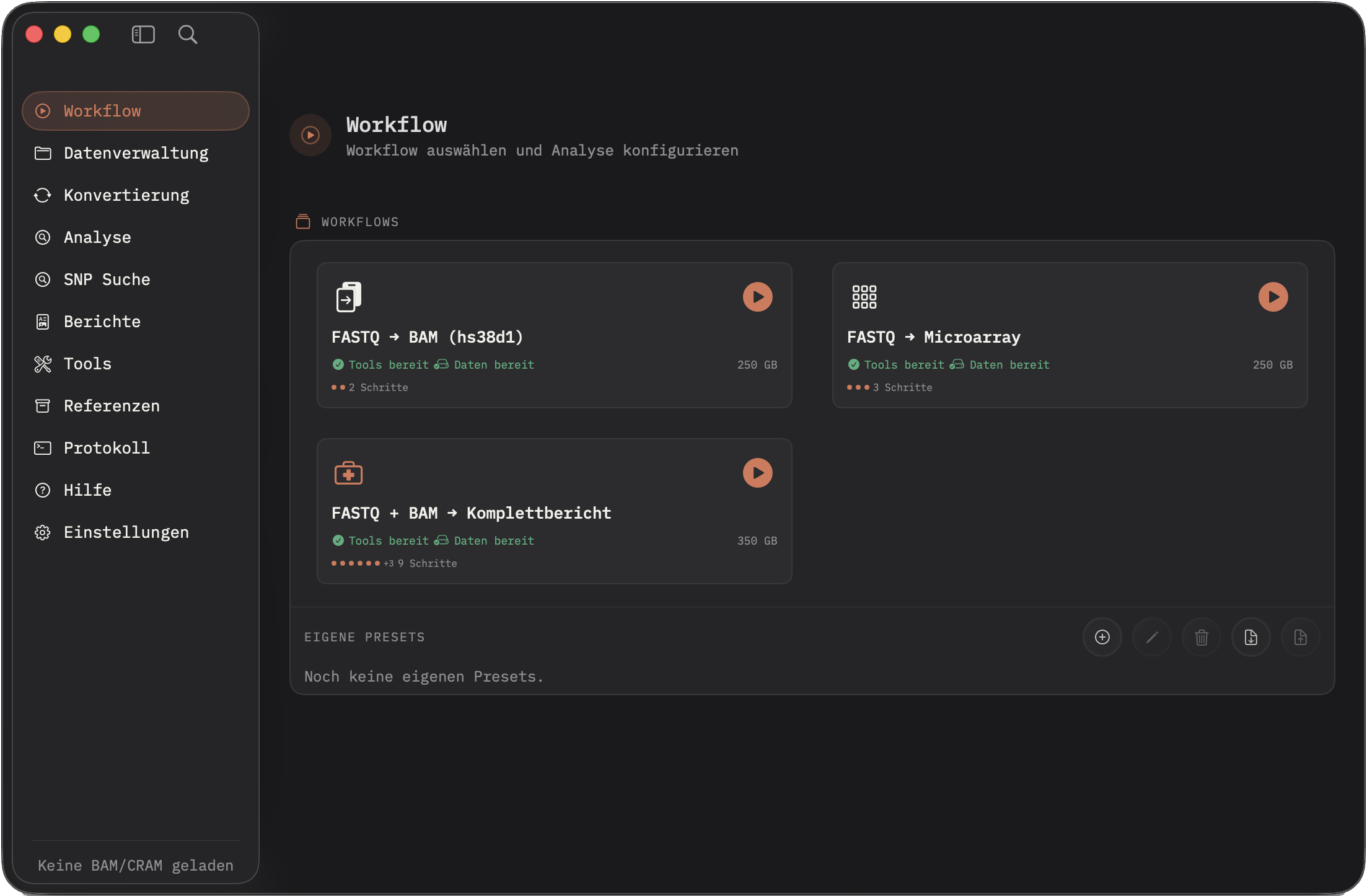
Genome for macOS.
One DMG, one native app, local genomics on your Mac. No account, no cloud, no trackers, with a visible SHA-256 checksum and clear installation steps.
Release package
Genome 1.4.1 · Apple Silicon
DMG image for macOS 26+. After downloading, you can verify the checksum locally with shasum -a 256 Genome-1.4.1.dmg.
- macOS
- 26.0 or newer
- Architecture
- Apple Silicon (arm64)
- Size
- 12.58 MB
- Build
- 2026-05-31
- SHA-256
- 22bfa9761917680131231fa88fc8ea6d88ba864fd450e42df79bcfb7333e383f
Installation
- 1
Open the DMG
Double-click the downloaded image.
- 2
Move to Applications
Copy Genome.app into the Applications folder and eject the DMG.
- 3
First launch
If Gatekeeper blocks it: right-click → Open; verify the SHA-256 beforehand.
- 4
Tools & references
Install tools in the app, pick a Reference Library and check the status.